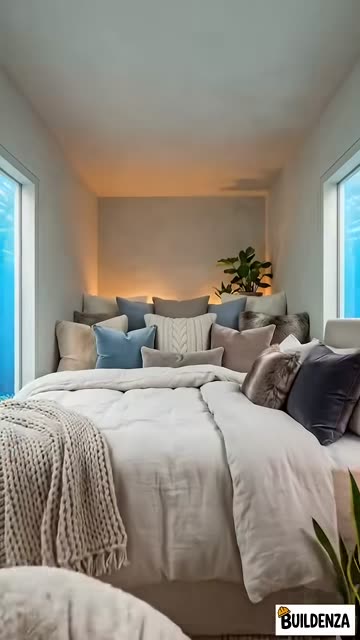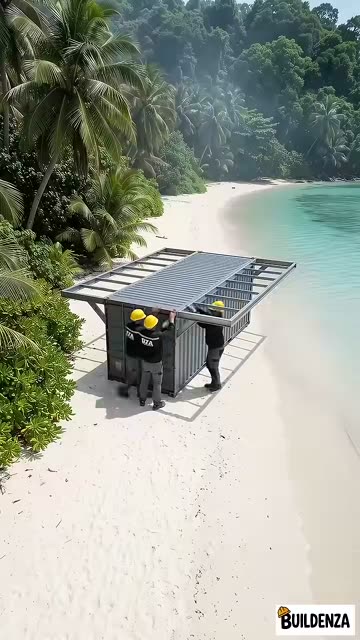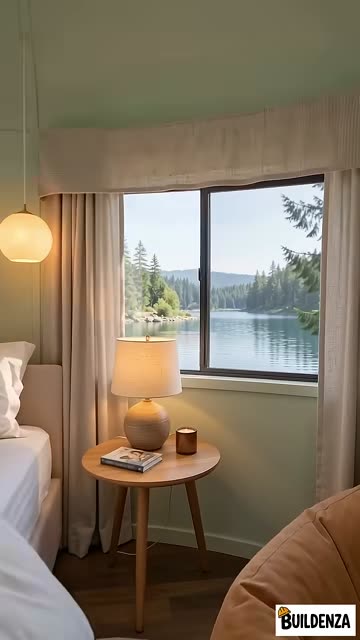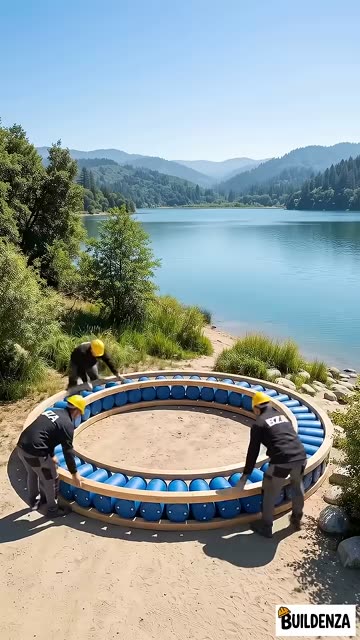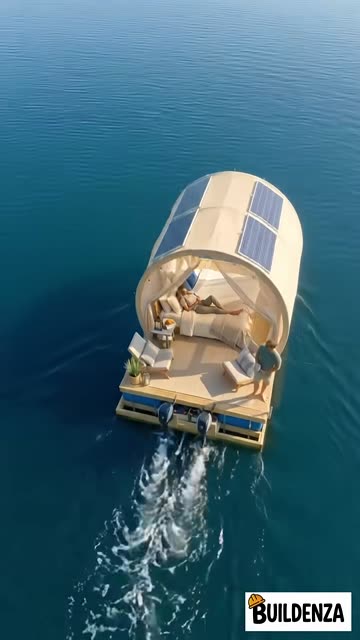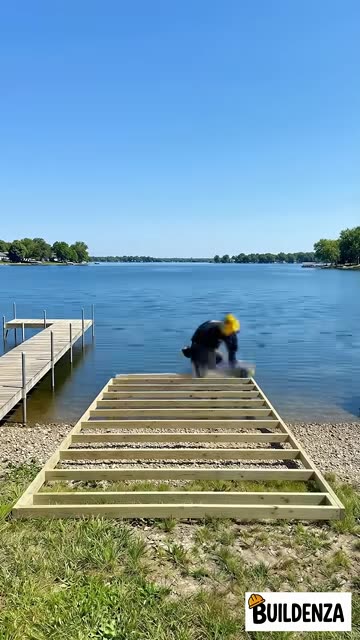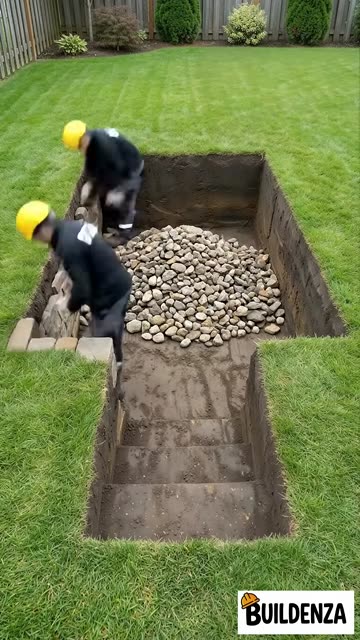
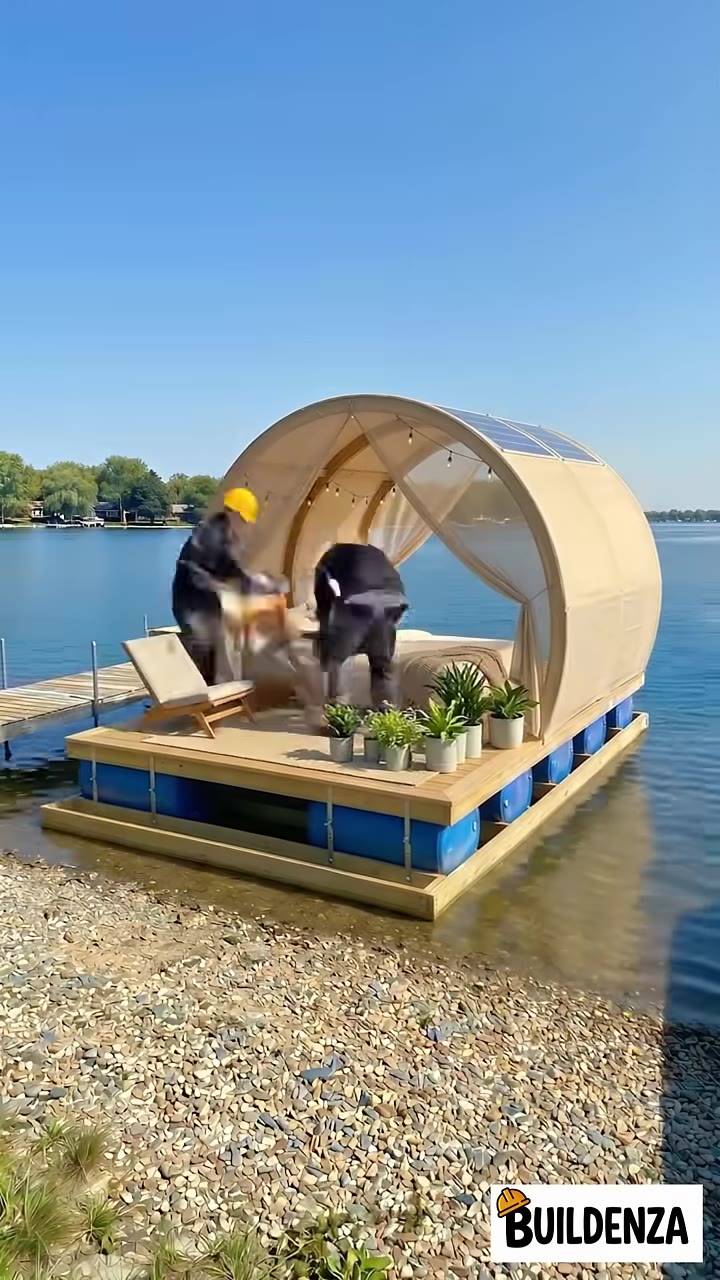
A finished floating cabin on a lake shore
The Buildenza guide

The workflow behind 101M views.

How Buildenza makes AI construction timelapses, step by step: the idea, the prompts, the frames, the video and the upload. 13 chapters, every prompt included.

133Ksubscribers
101Mchannel views
19Mviews on the top short
Move across the photo to build it
Scroll to build

Eight stages, idea to upload

  1. 01

    Idea

    Pick a transformation people want to watch: a ruin, a pit, an empty plot.

  2. 02

    Hook

    Generate the first frame. It has to stop the scroll on its own.

  3. 03

    Stages

    Plan 12 to 20 build steps that follow real construction order.

  4. 04

    Frames

    Generate every stage from one locked camera, so nothing jumps.

  5. 05

    Upscale

    Sharpen each frame before it becomes motion.

  6. 06

    Video

    Turn each pair of frames into a clip with start and end frames.

  7. 07

    Edit

    Stitch, speed-ramp and balance the clips into one timelapse.

  8. 08

    Upload

    Title, description and the checklist before you post.

01 / 08
19Mviews on this exact short

Every frame you're scrolling through came out of the workflow in this guide.

Made with this workflow

The proof is on the rail
19Mviews
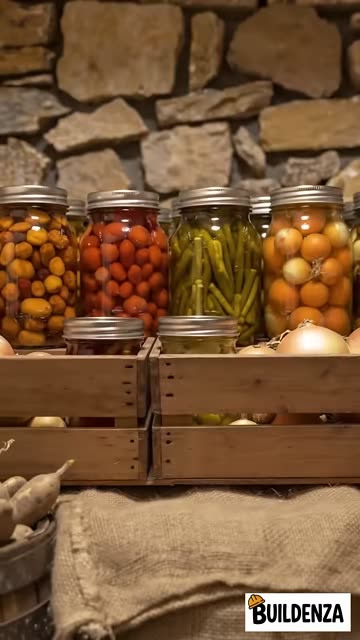
Would This Stone Root Cellar Actually Keep Food Fresh?, finishedWould This Stone Root Cellar Actually Keep Food Fresh?, mid-build
Would This Stone Root Cellar Actually Keep Food Fresh?
16Mviews
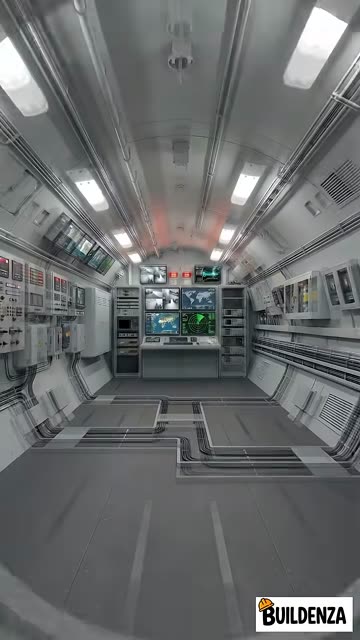
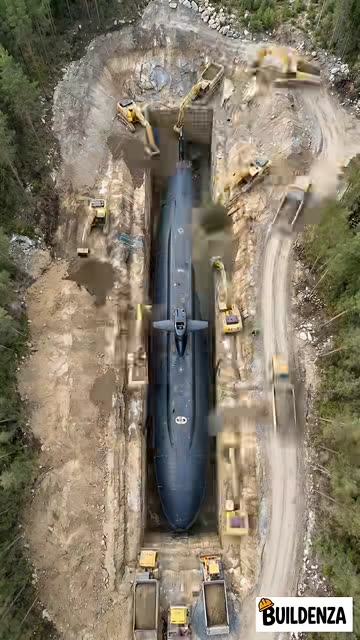
Burying a Submarine as a Secret Base, finishedBurying a Submarine as a Secret Base, mid-build
Burying a Submarine as a Secret Base
14Mviews
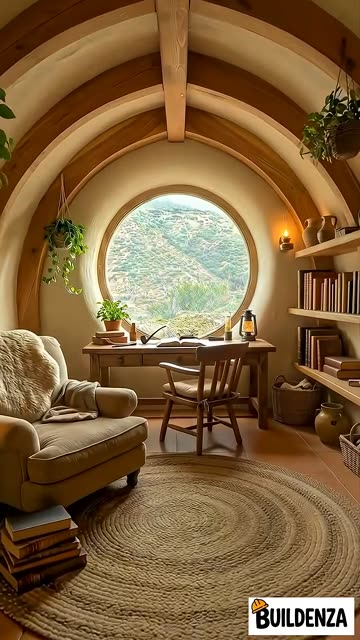
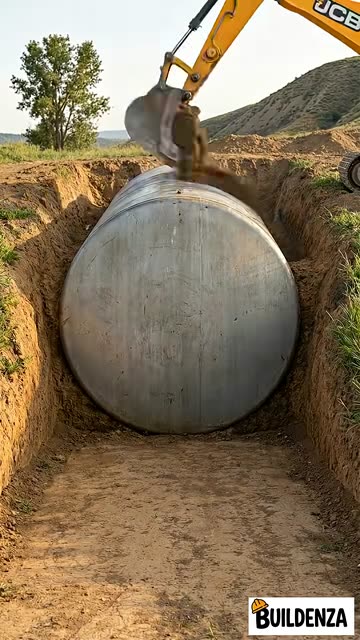
A Water Tank as a Hobbit House Door?, finishedA Water Tank as a Hobbit House Door?, mid-build
A Water Tank as a Hobbit House Door?
13Mviews
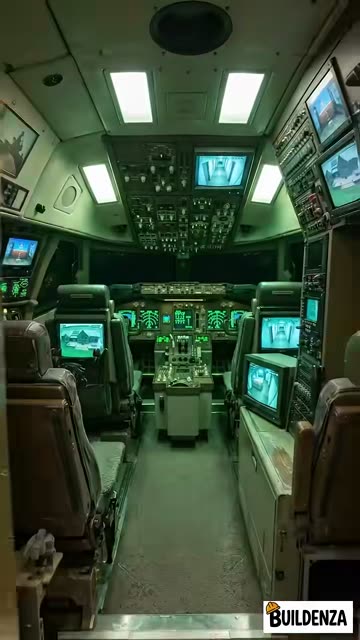
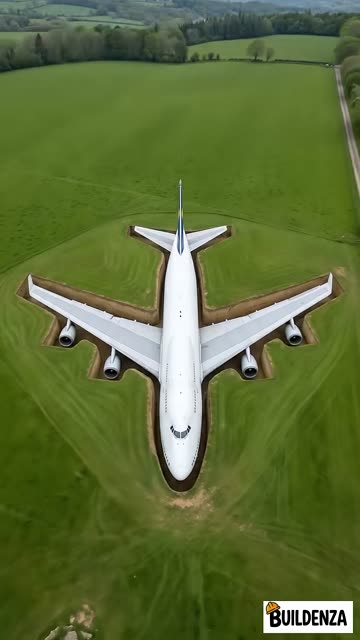
Could You Bury a Boeing 747 and Live in It?, finishedCould You Bury a Boeing 747 and Live in It?, mid-build
Could You Bury a Boeing 747 and Live in It?
8.6Mviews
An Underwater Room Made From a Shipping Container, finishedAn Underwater Room Made From a Shipping Container, mid-build
An Underwater Room Made From a Shipping Container
6.8Mviews
You Spotted the Flaws in This Floating Sphere Bedroom, finishedYou Spotted the Flaws in This Floating Sphere Bedroom, mid-build
You Spotted the Flaws in This Floating Sphere Bedroom
5.1Mviews
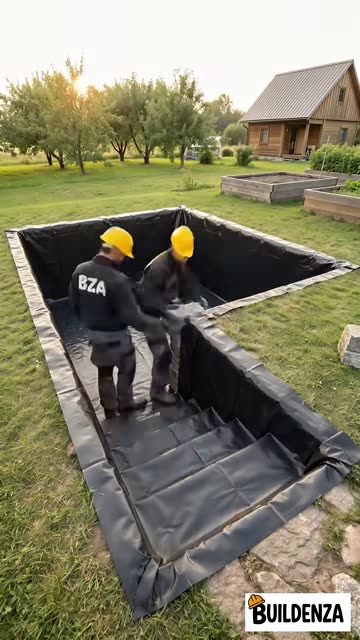
How Many Barrels Would This Floating Cabin Need?, finishedHow Many Barrels Would This Floating Cabin Need?, mid-build
How Many Barrels Would This Floating Cabin Need?
3.4Mviews
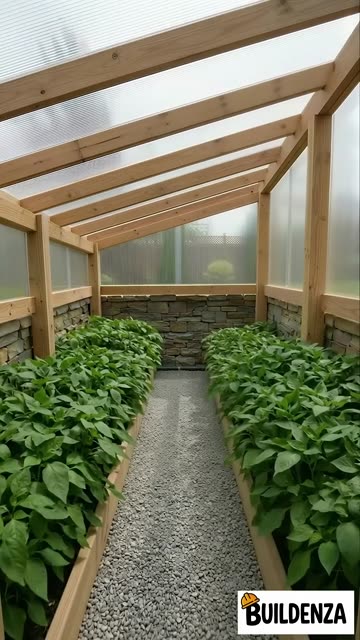
Walipini: The Underground Greenhouse, finishedWalipini: The Underground Greenhouse, mid-build
Walipini: The Underground Greenhouse
1 / 8
What's inside

13 chapters

Short, practical chapters. Read it once, then keep it open while you make your first video.

01
Introduction
What these videos are and why people can't stop watching them.
02
Tools Needed
The five tools, what each one does, and what to swap in.
03
Workflow Overview
The whole pipeline on one page, idea to upload.
04
Generating Ideas
How to pick a transformation idea that is worth the credits.
05
Generating Hook
The first frame decides the view. How to build the Hook image.
06
Master Prompt to generate Frames
The full master prompt that keeps every frame consistent.
Copy-paste prompt
07
Generating Stages
Turning one idea into 12 to 20 believable build stages.
08
Upscaling the Frames
Cleaning frames up before they become video.
09
Video Prompt Format
The exact video prompt format, ready to fill in.
Copy-paste prompt
10
Generating Videos
Start frame, end frame, Veo 3.1 Lite. Clip by clip.
11
Final Editing
Stitching the clips into one smooth timelapse.
12
Uploading the Video
Titles, descriptions and the upload checklist.
13
Final Words
Where to go from here.
Tools you'll use

Five tools. That's the stack.

You can swap any of them. The guide says what each one has to do, so you can use what you already have.

Planning
ChatGPT

Ideas, build stages and every prompt.

Images
Nano Banana Pro

The Hook and each stage frame, in Flow.

Upscaling
Let's Enhance

Or any upscaler. Cleaner frames, better clips.

Video
Veo 3.1 Lite

Motion between frames, about 10 credits a clip.

Editing
CapCut

Or Premiere, DaVinci, Clipchamp. Your pick.

Questions

Before you buy

Do I need to know video editing?

No. The editing chapter covers the few steps you need: cutting, speed and audio. Any free editor works.

Which tools do I have to pay for?

Image and video generation run on credits in Flow. The guide uses Veo 3.1 Lite because it costs about 10 credits a clip. Everything else has a free option.

Is this for Shorts only?

The workflow is built for vertical 9:16, so it fits YouTube Shorts, Instagram Reels and TikTok.

What format is the guide?

13 chapters you read online, with every prompt one click from your clipboard.

Can I share it?

Please don't. The guide is for your own use. Don't resell, repost or claim it as your own.

Start your first build

Your first timelapse this week.

The same workflow, the same prompts, the same tools. Open the guide and start with chapter one.

Get the guide $9